Live graphics at the limit of the browser
Simulations, type and illustrations that run live in the browser. The GPU pieces share one WebGPU device, and every piece opens to full screen with its settings.
The Door, a slime mold in 9 steps
Up to a million agents follow the trail they leave. Scroll through the steps: each one switches on one stage of the pipeline and brings its own settings. The scene keeps every change you make.
22 pieces in 5 kinds
Nothing matches. The search looks at names, kinds, technologies and descriptions.
38 working products in 6 kinds
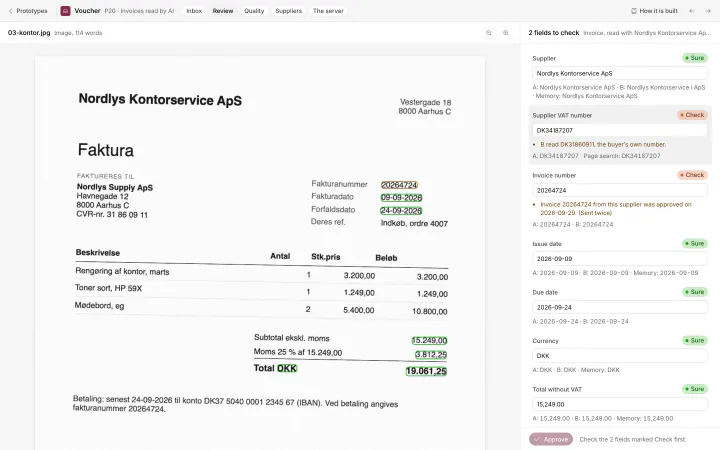
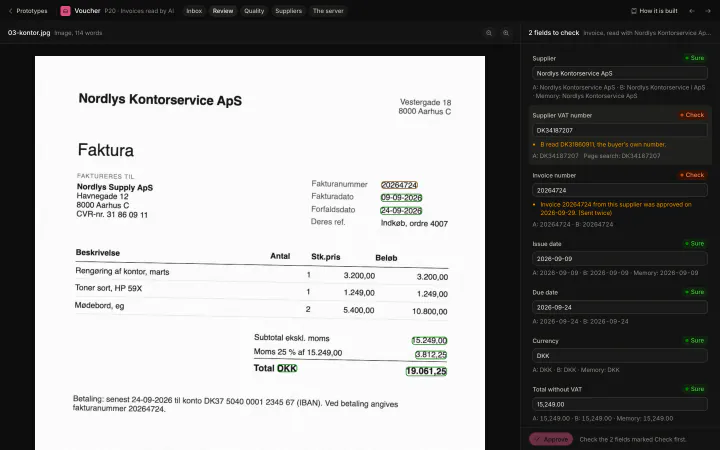
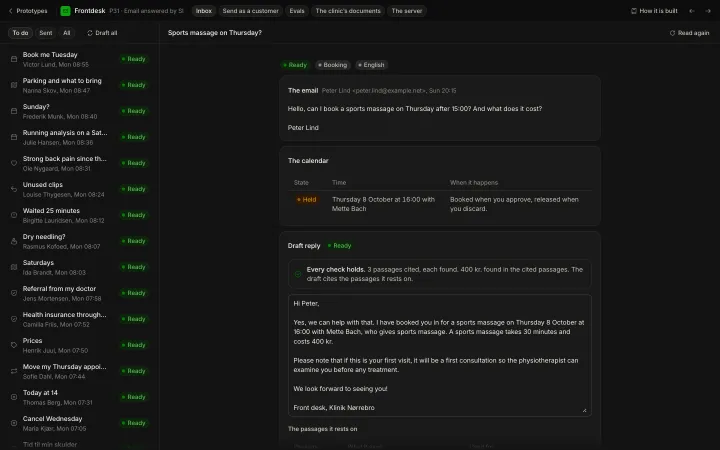
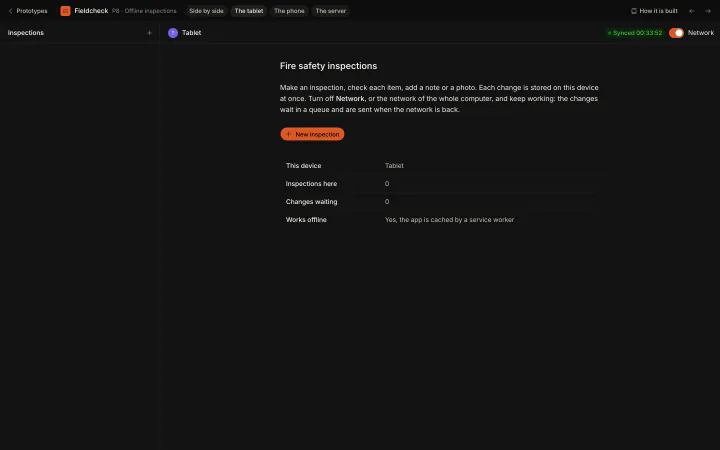
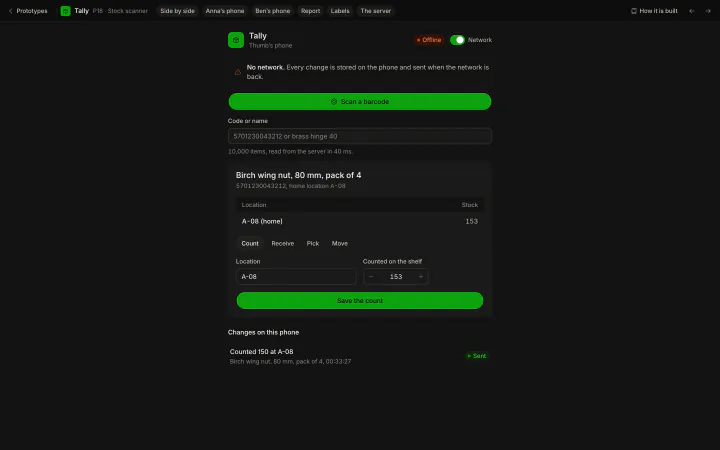
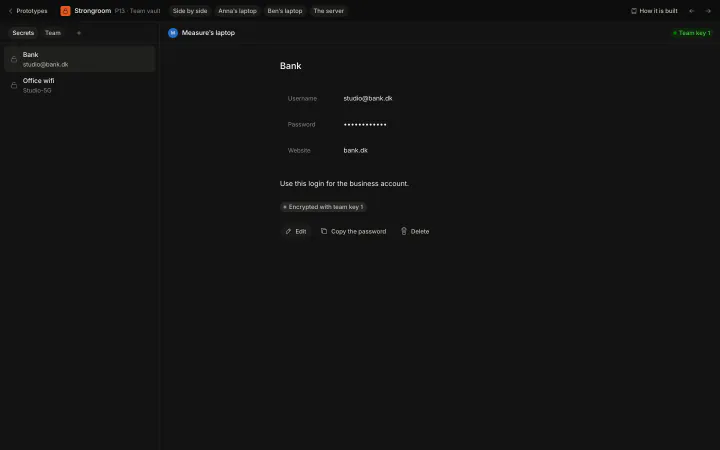
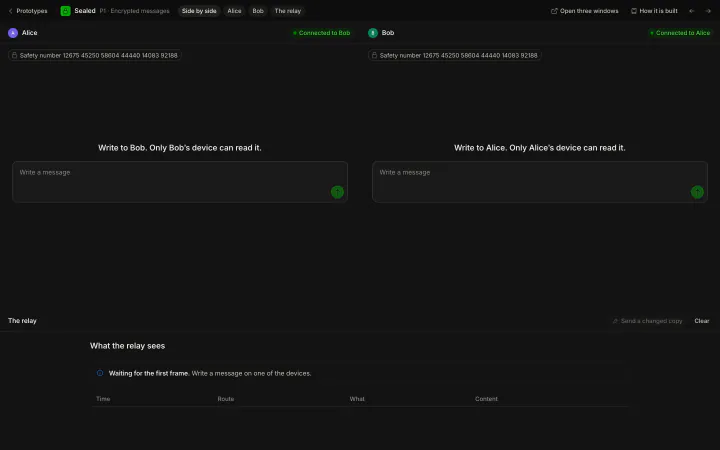
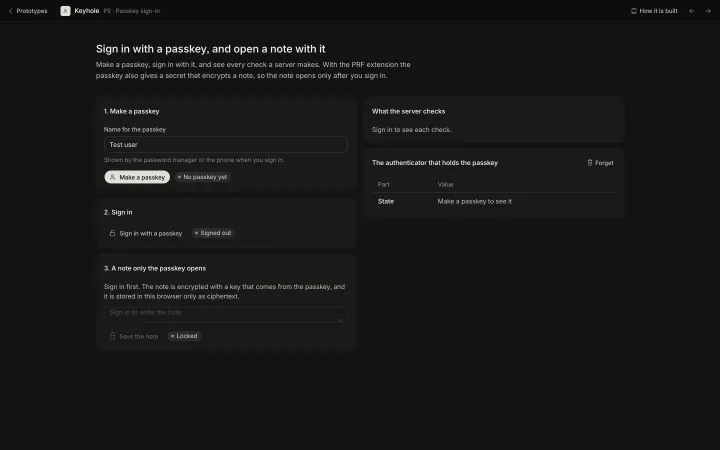
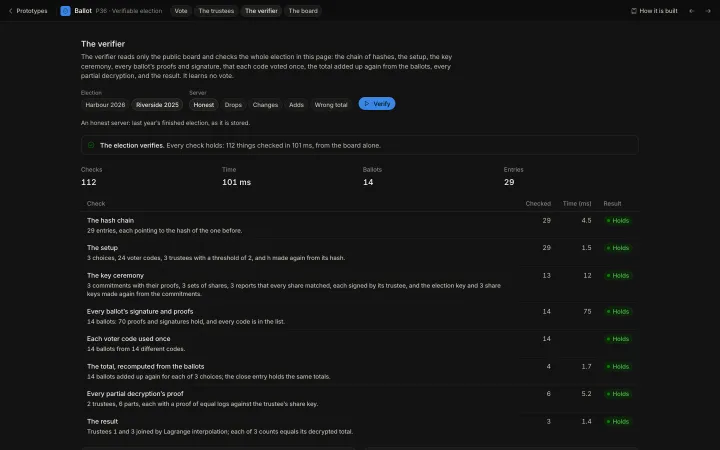
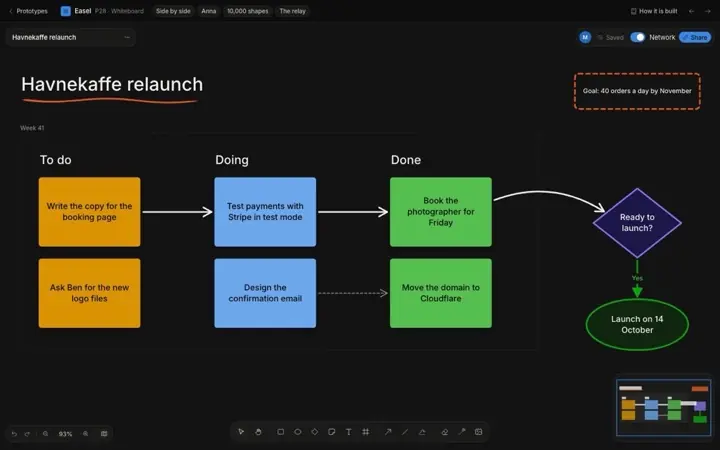
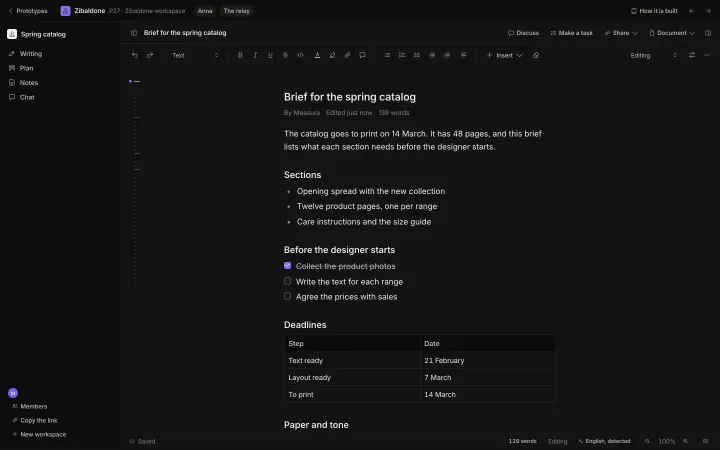
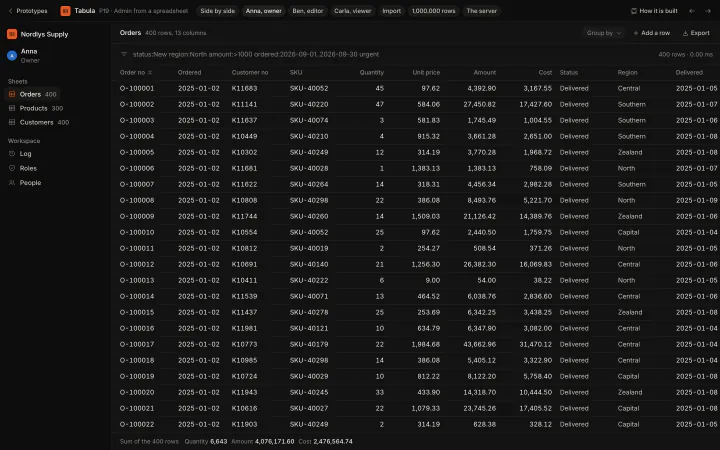
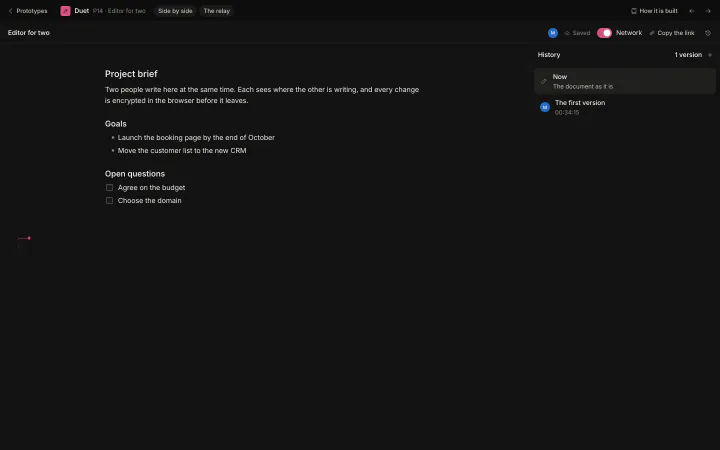
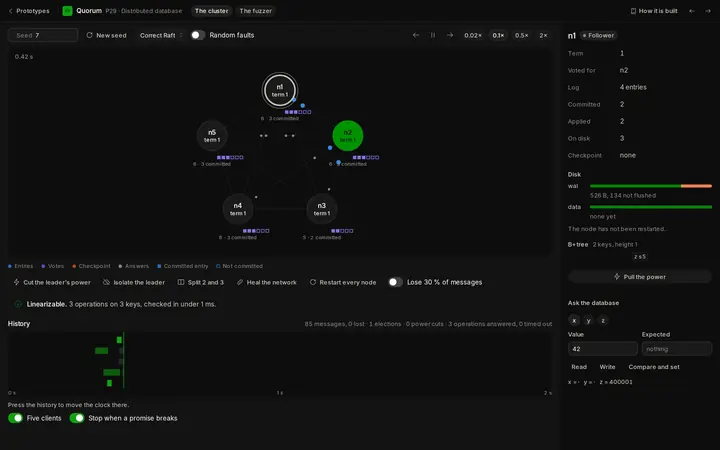
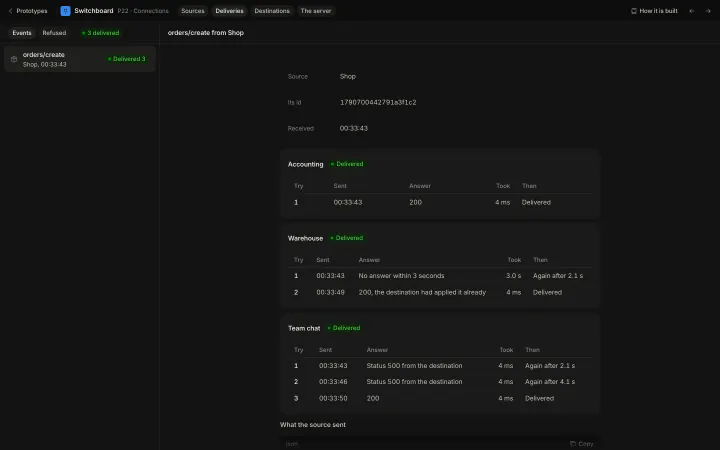
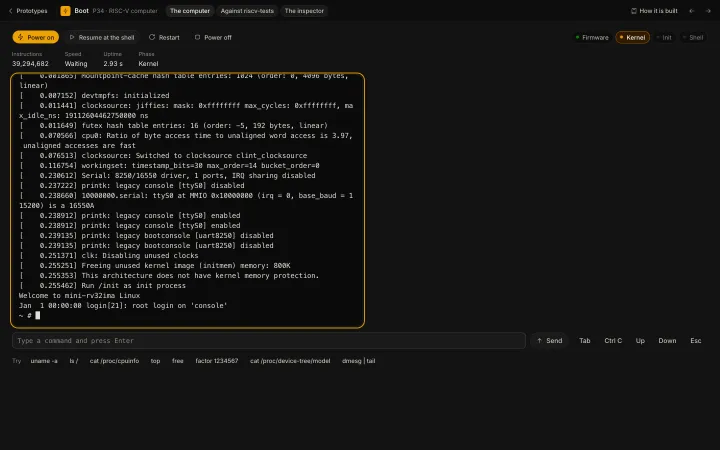
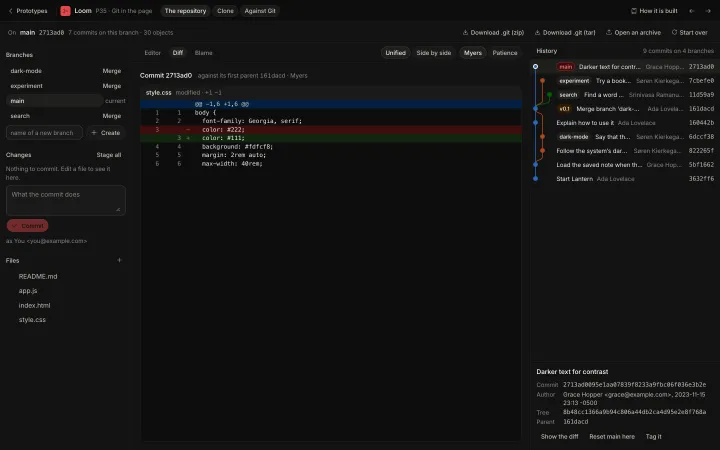
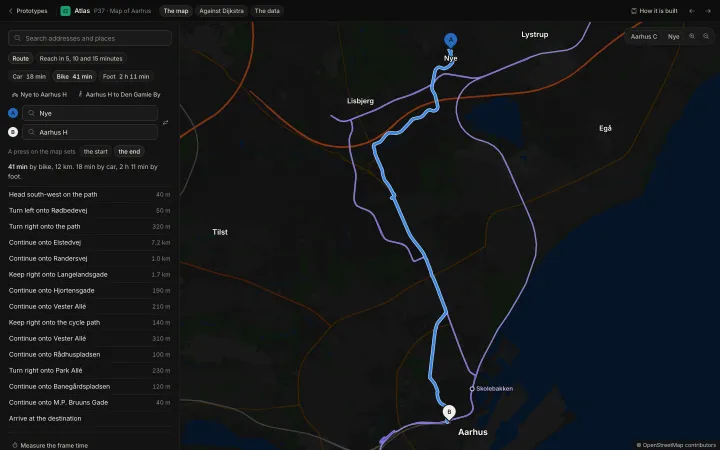
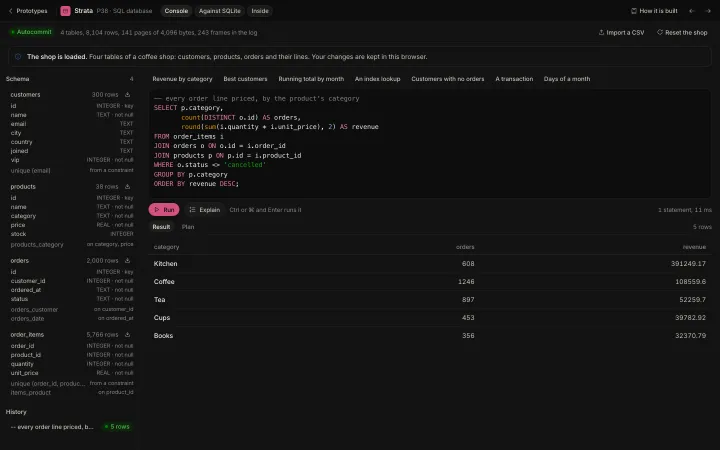
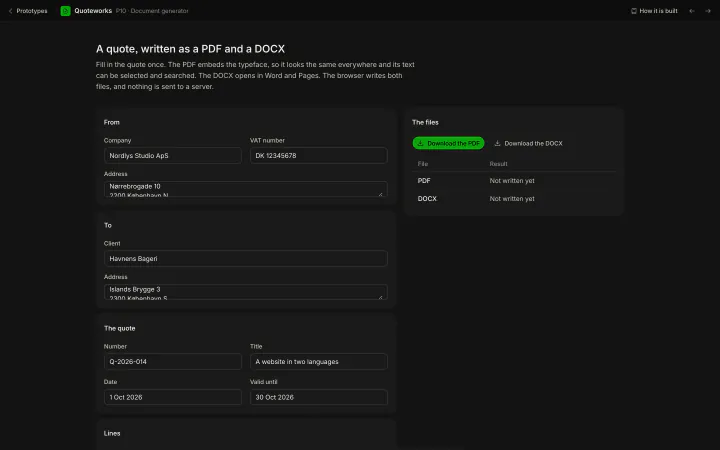
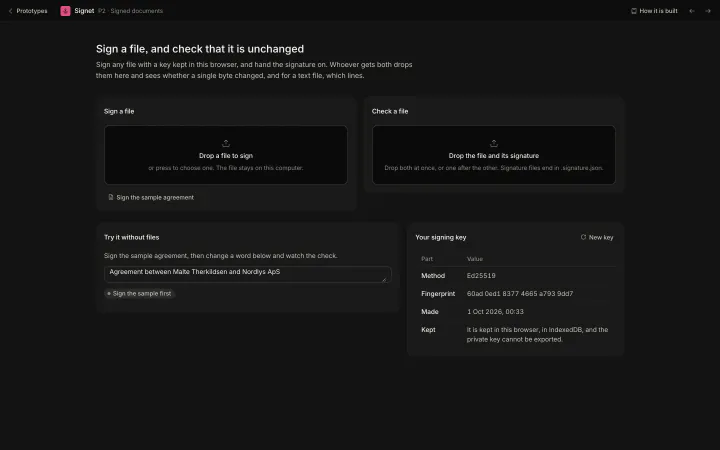
Each prototype is a small product with its own server, data and sign in. Open one and use it: it runs at its own address under the Lab.
 SI1 of 4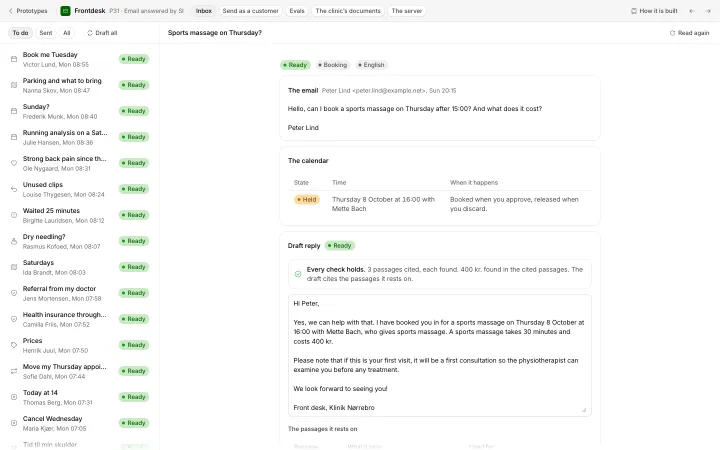
 SI2 of 4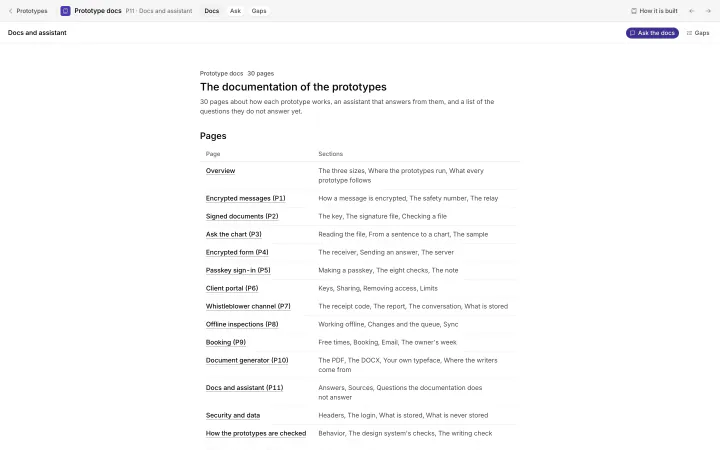
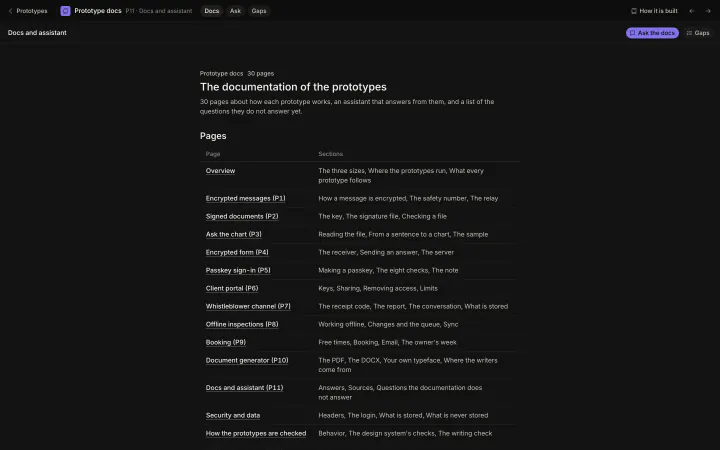 SI3 of 4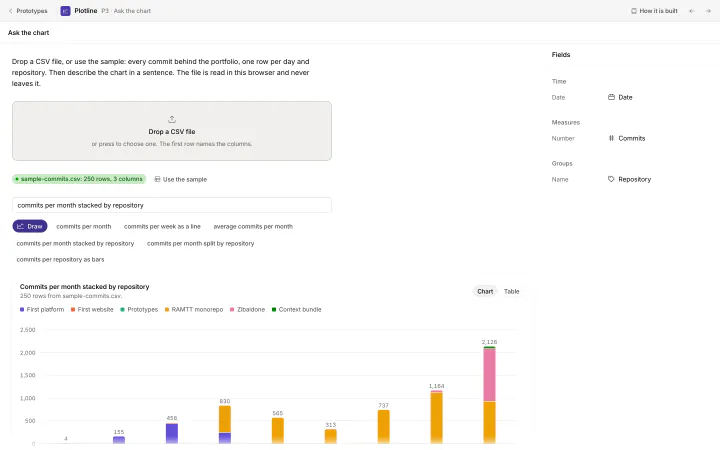
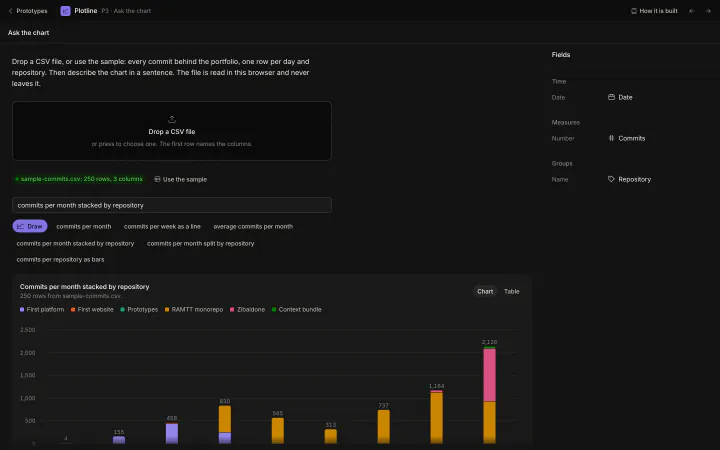 SI4 of 4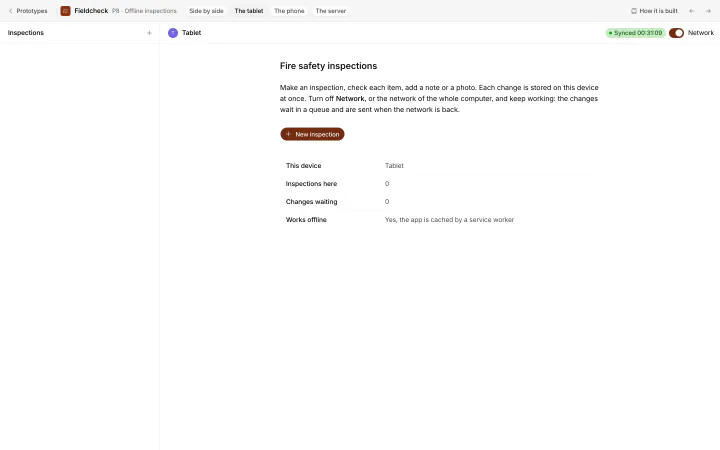
 Offline1 of 4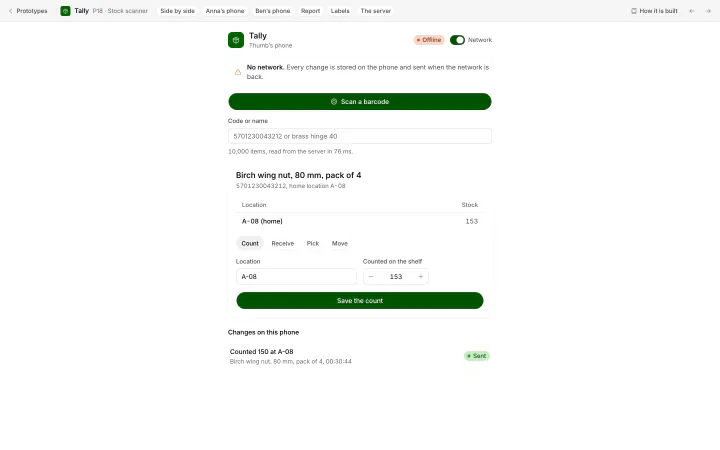
 Offline2 of 4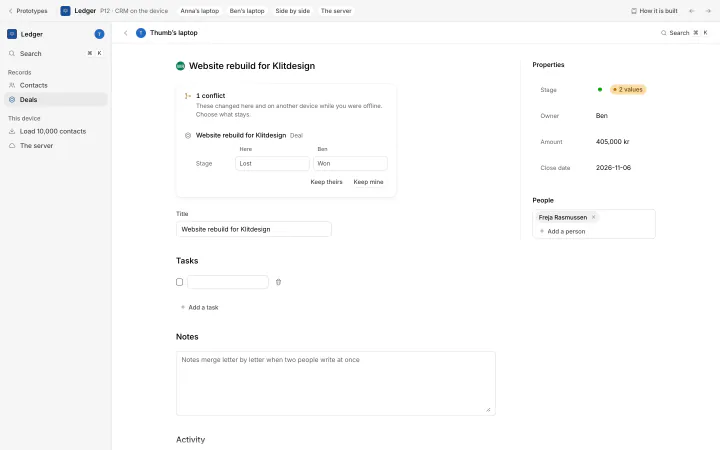
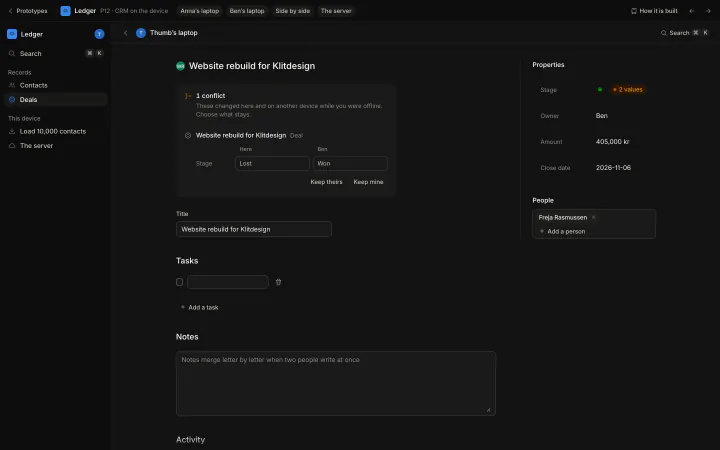 Offline3 of 4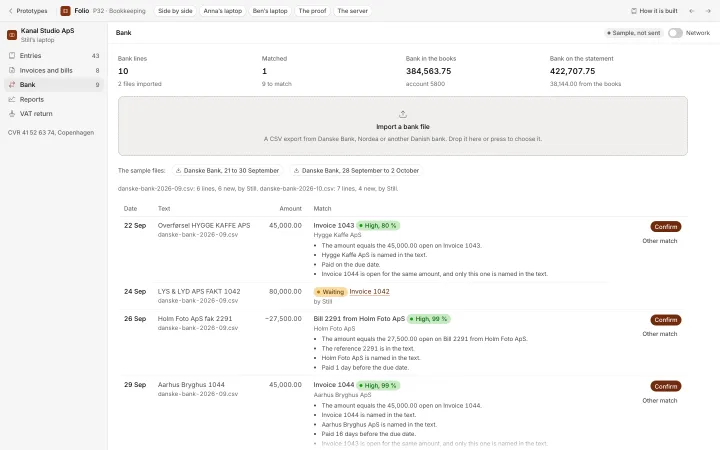
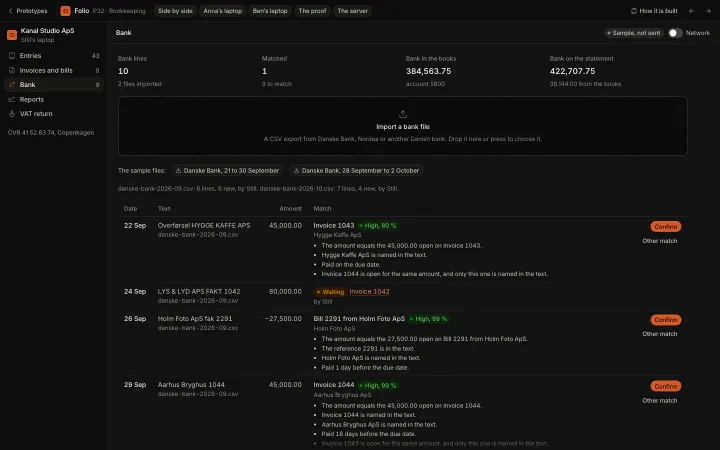 Offline4 of 4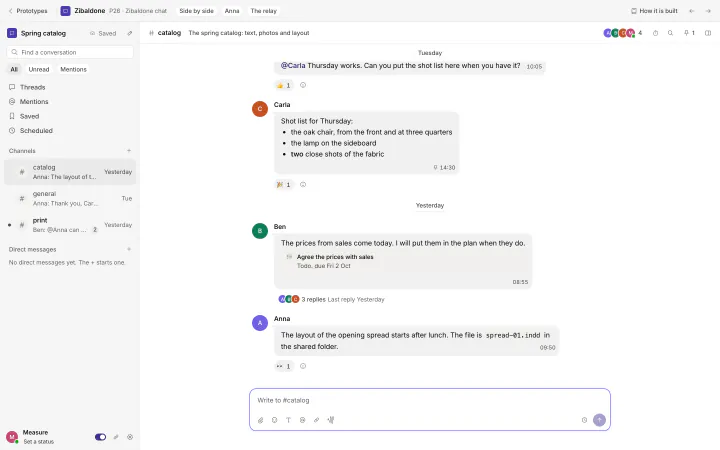
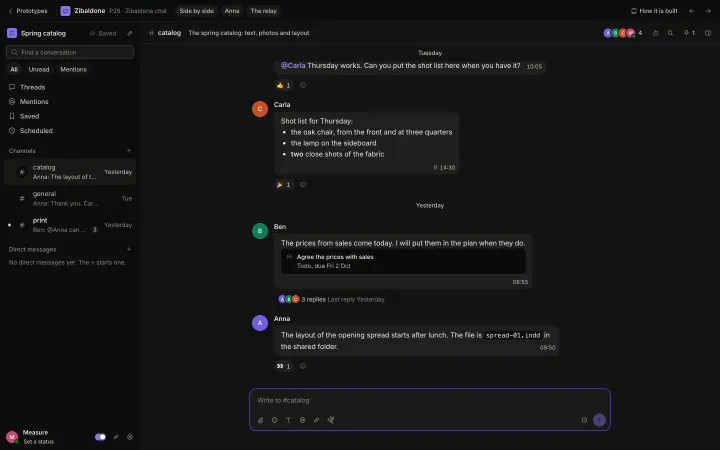 Private1 of 8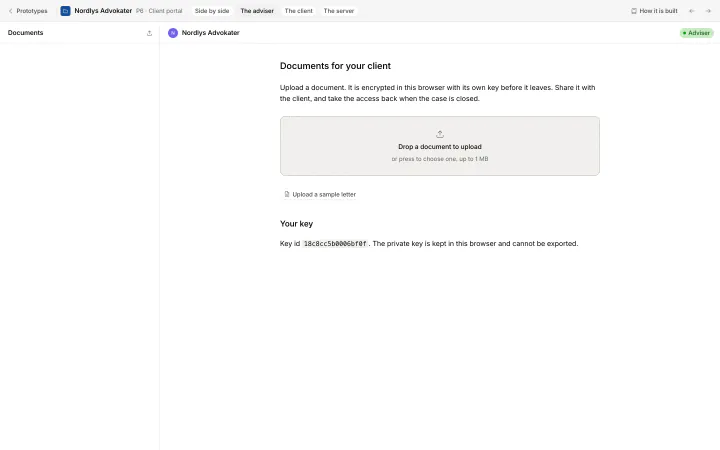
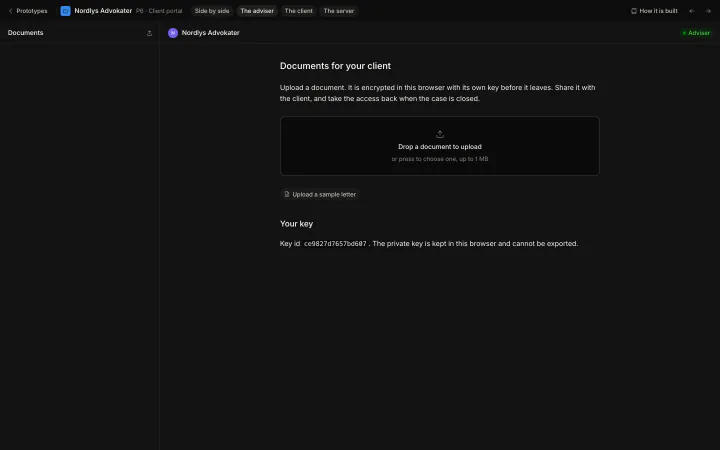 Private2 of 8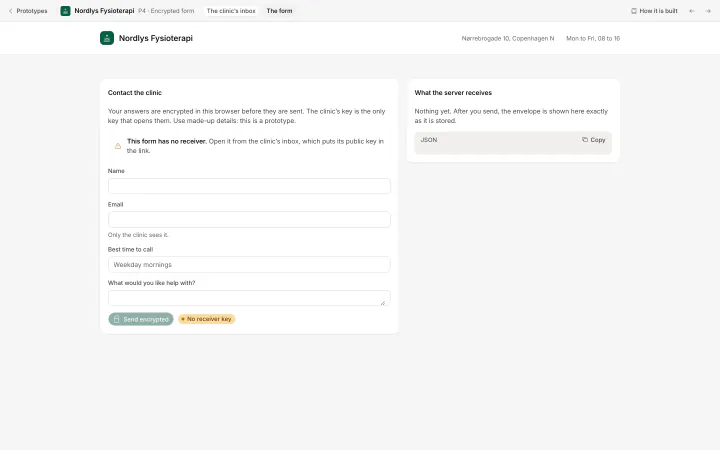
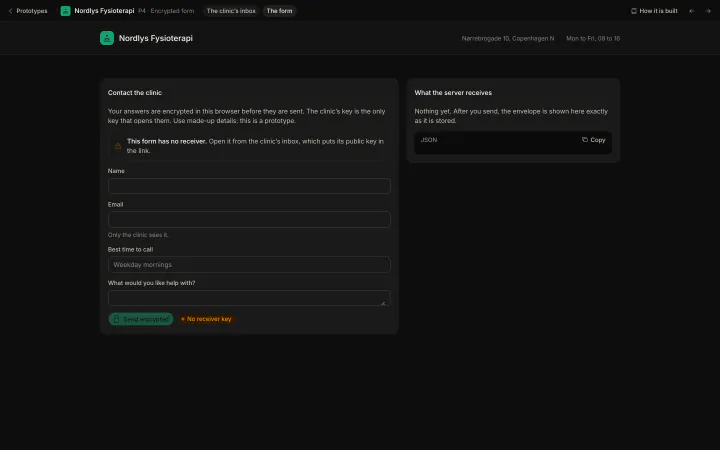 Private3 of 8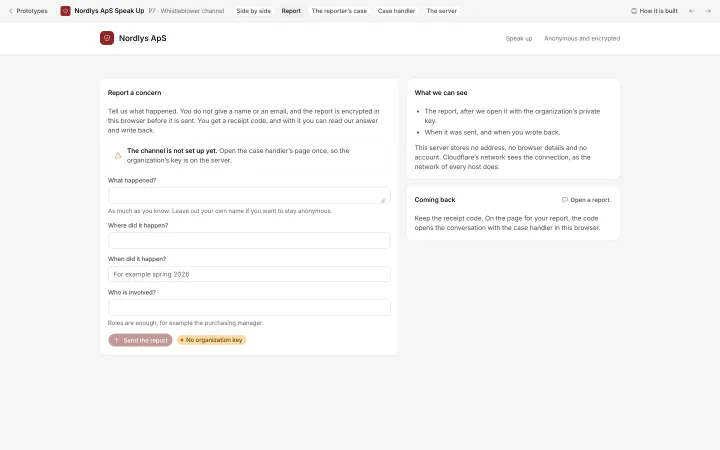
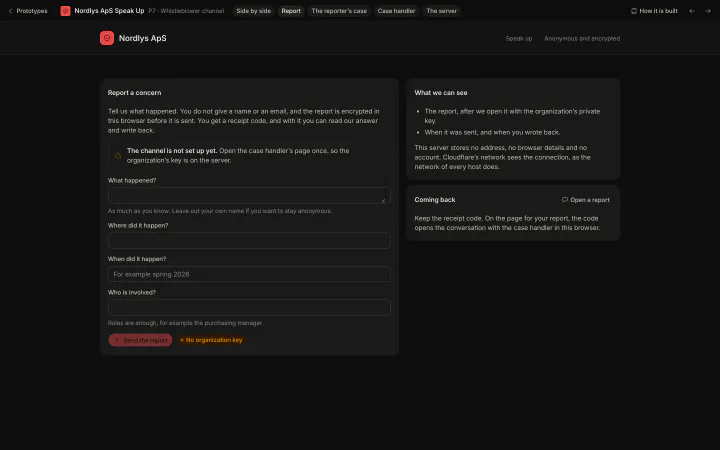 Private4 of 8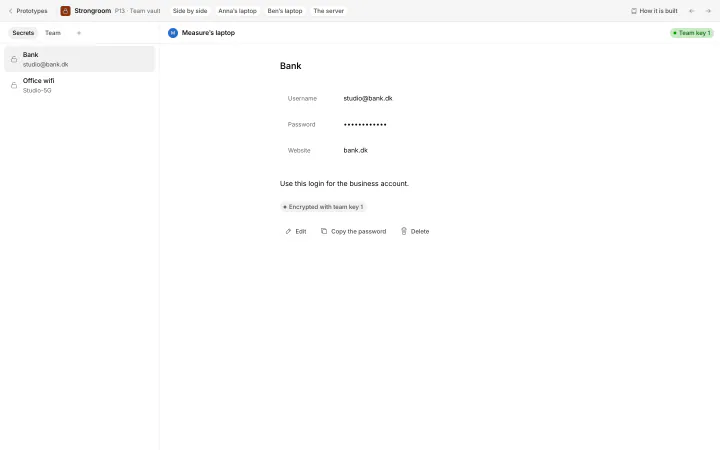
 Private5 of 8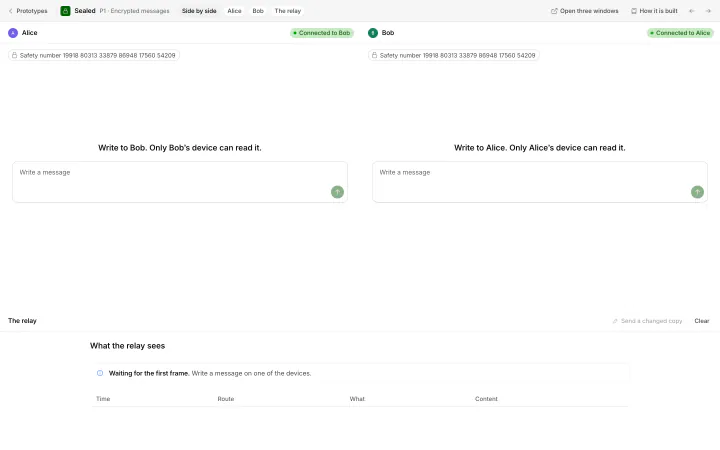
 Private6 of 8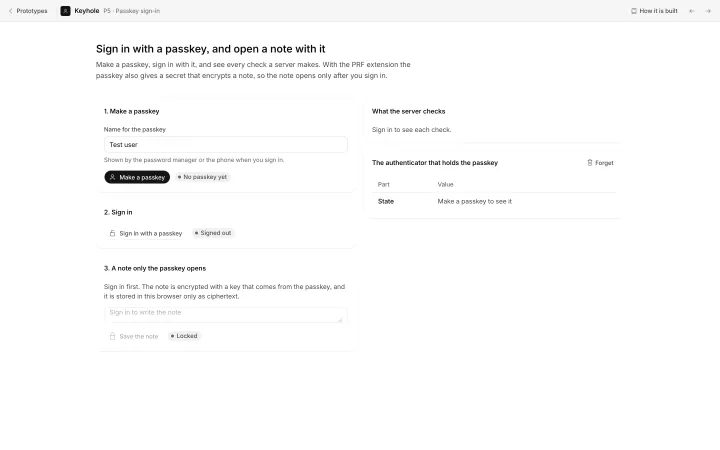
 Private7 of 8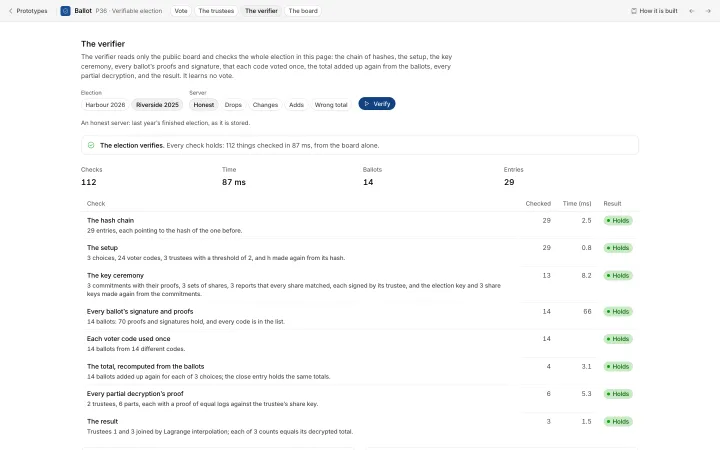
 Private8 of 8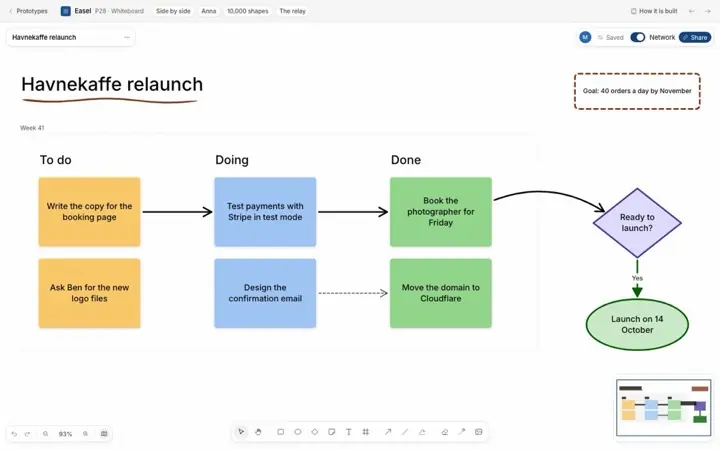
 Together1 of 8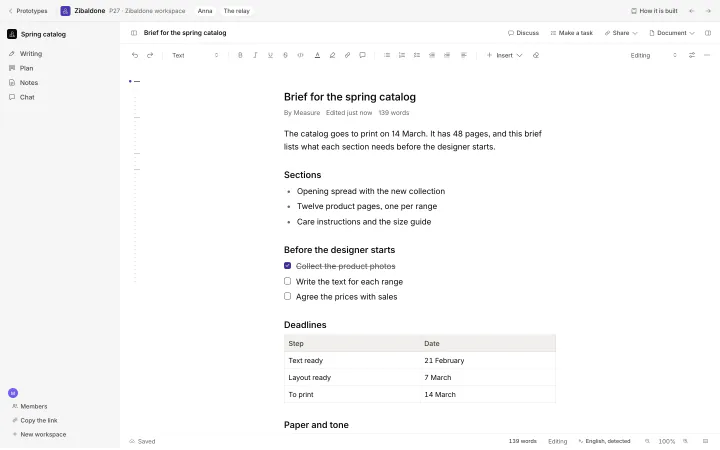
 Together2 of 8
 Together3 of 8
 Together4 of 8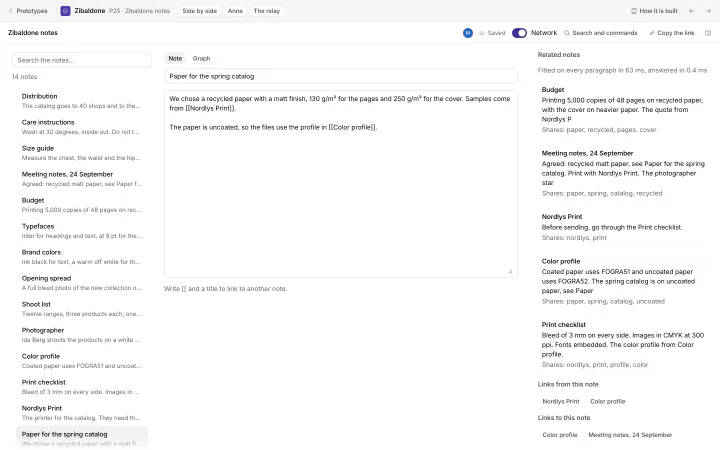
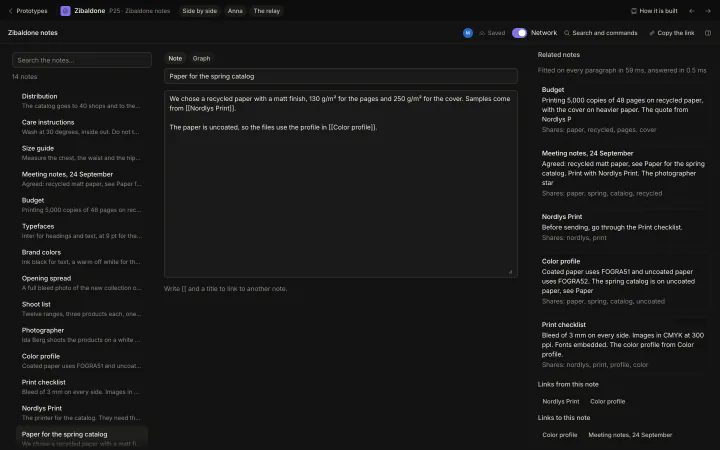 Together5 of 8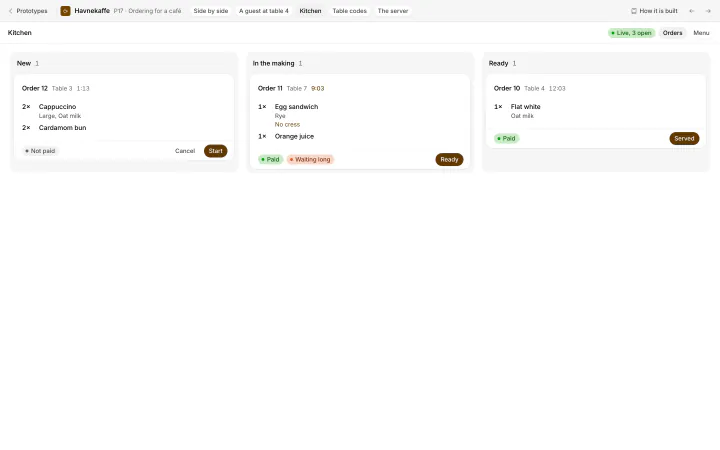
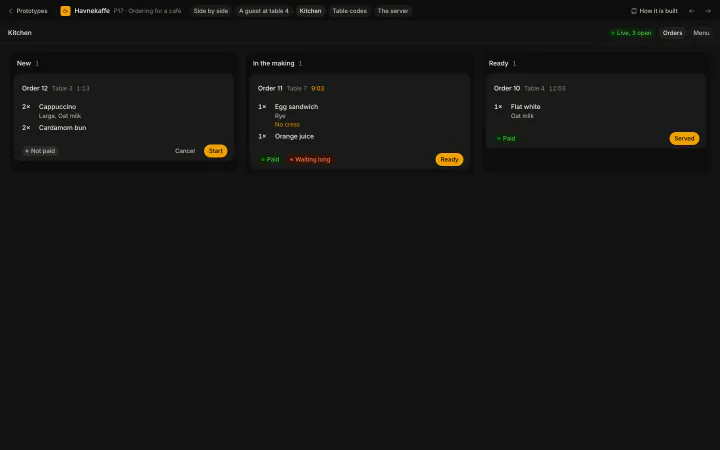 Together6 of 8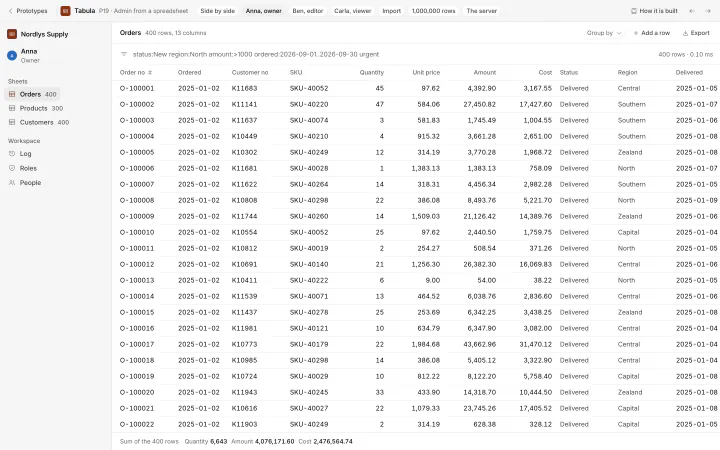
 Together7 of 8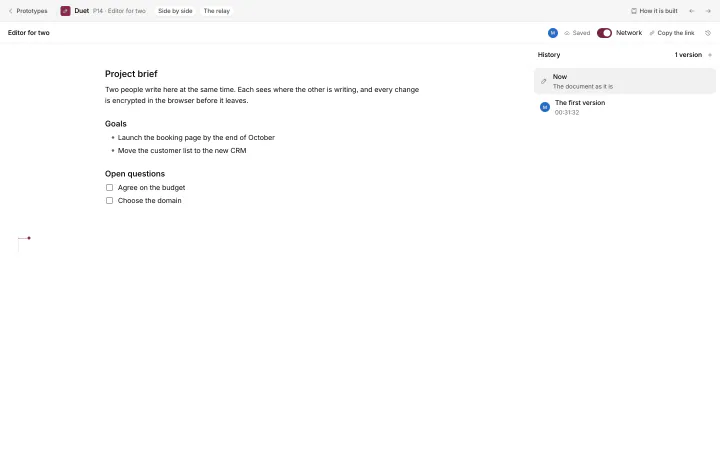
 Together8 of 8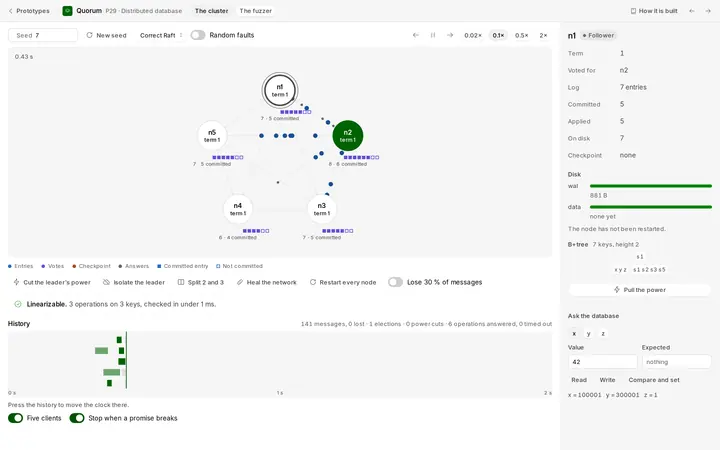
 Reliable1 of 9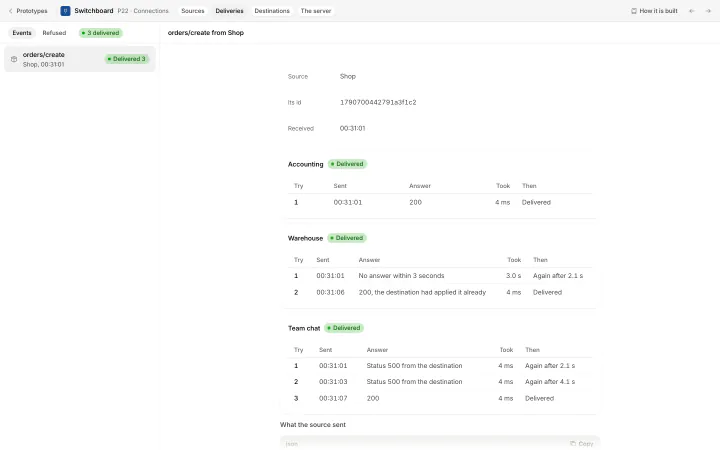
 Reliable2 of 9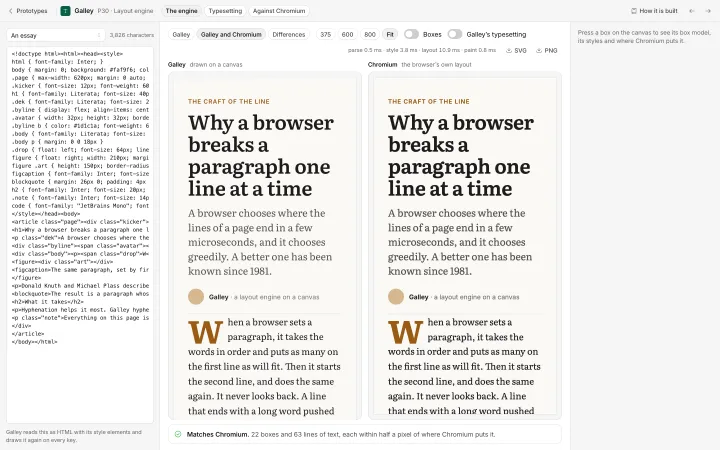
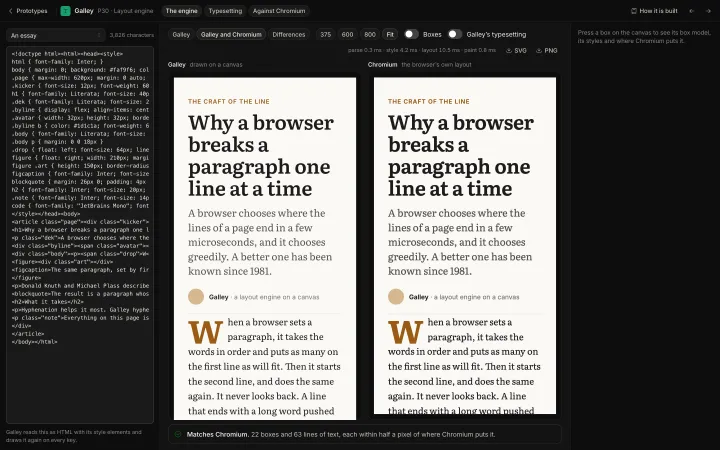 Reliable3 of 9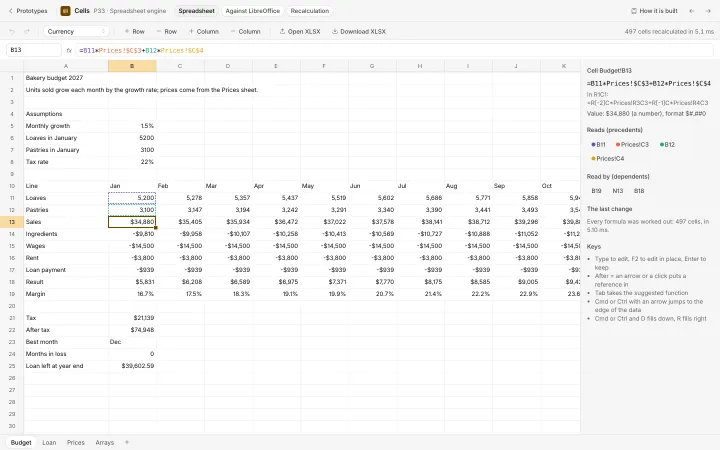
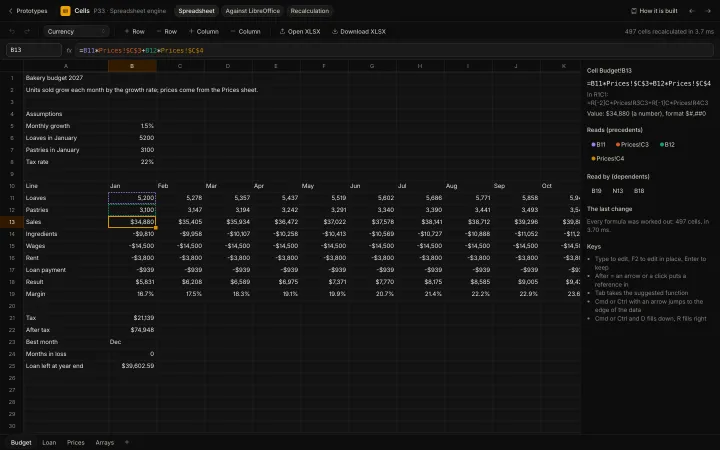 Reliable4 of 9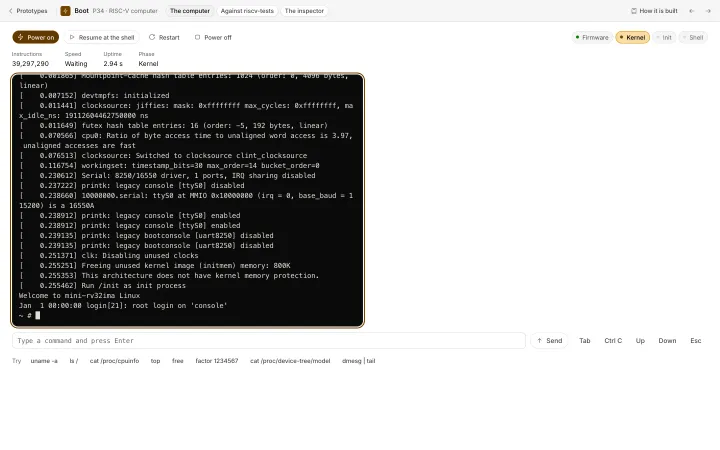
 Reliable5 of 9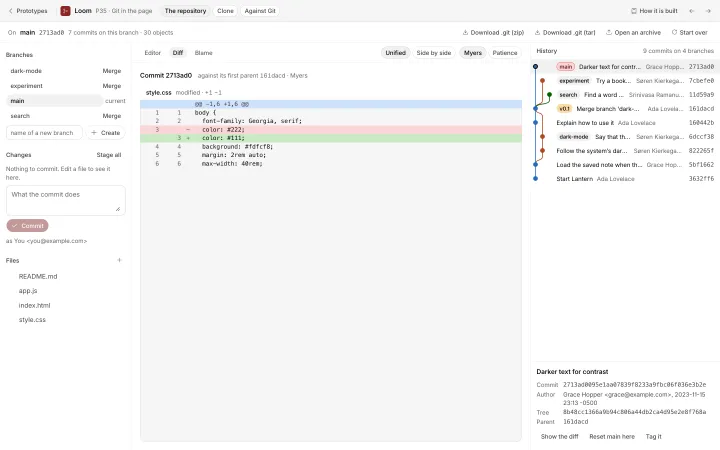
 Reliable6 of 9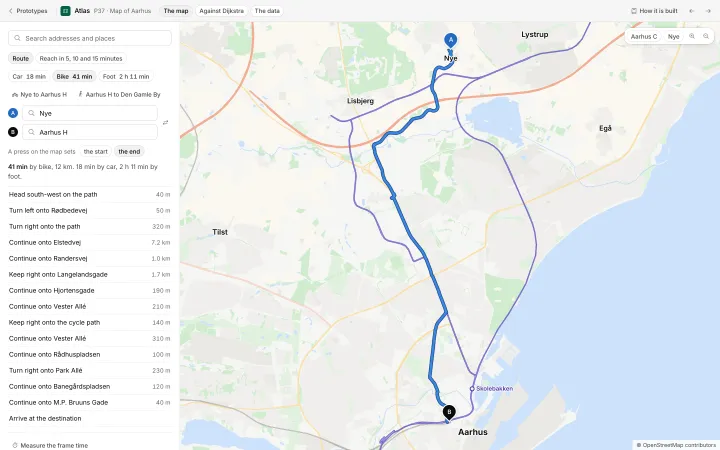
 Reliable7 of 9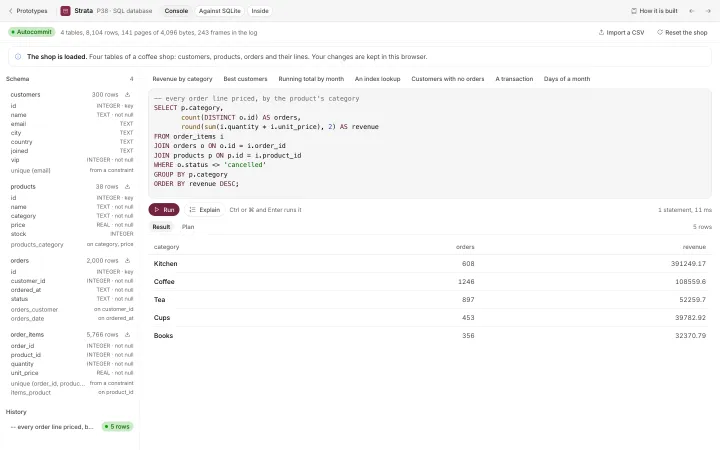
 Reliable8 of 9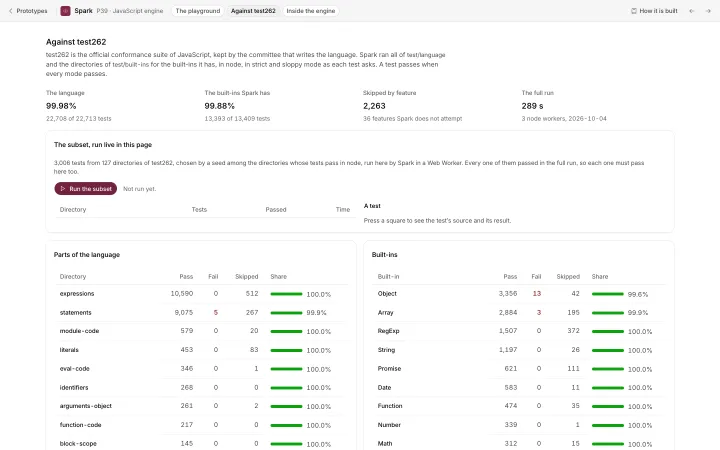
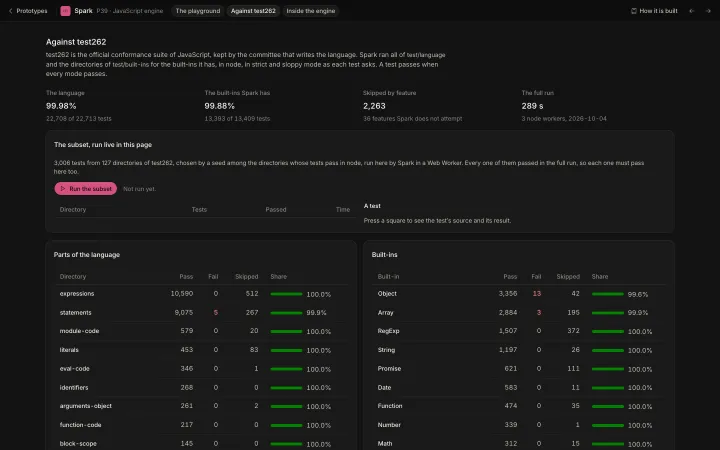 Reliable9 of 9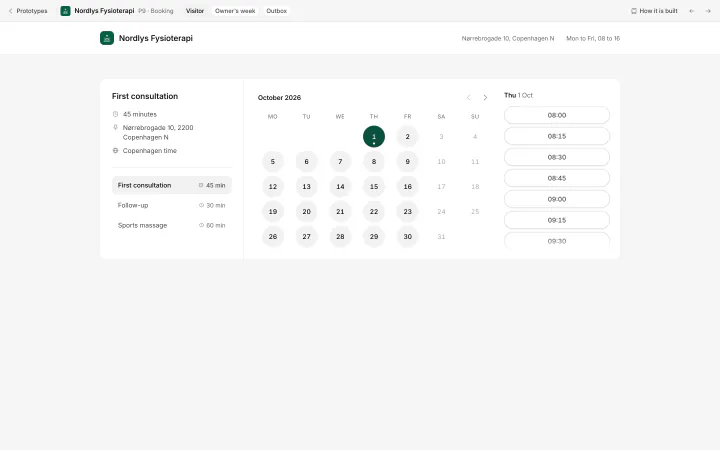
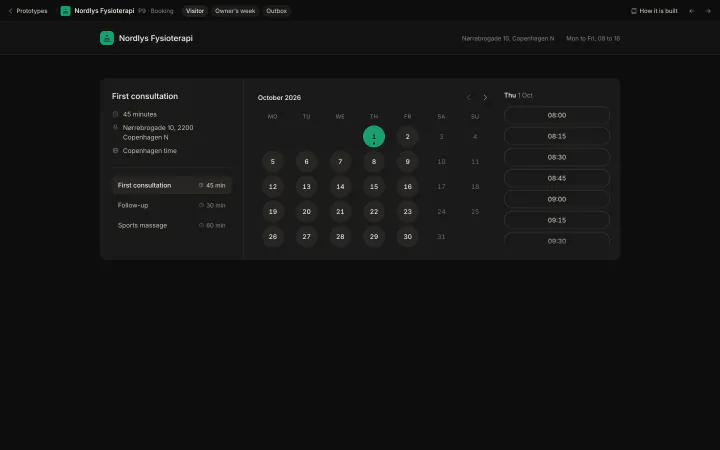 Online1 of 5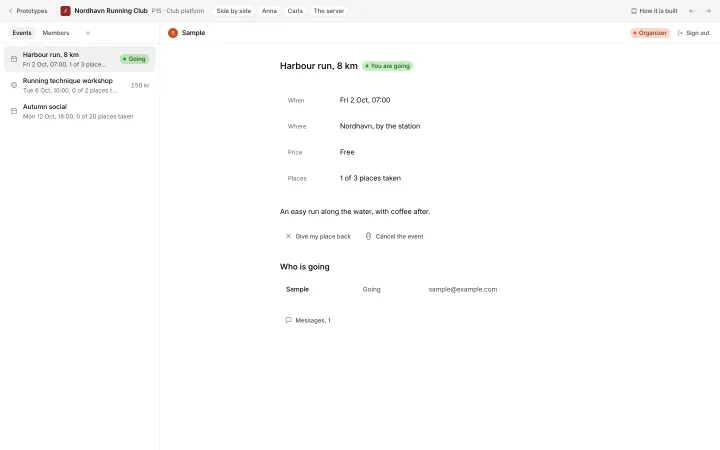
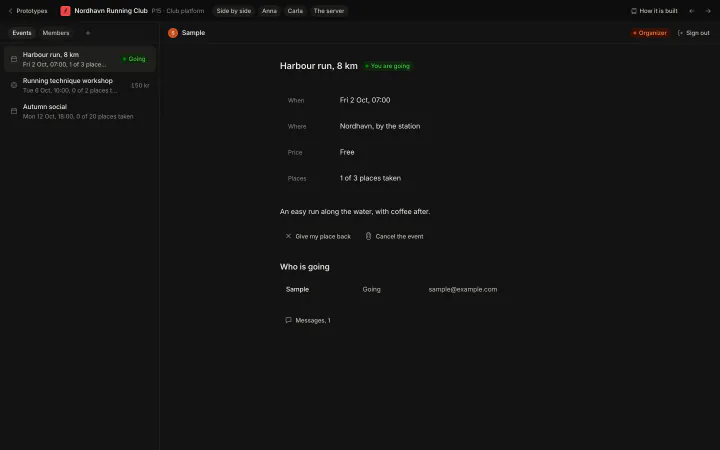 Online2 of 5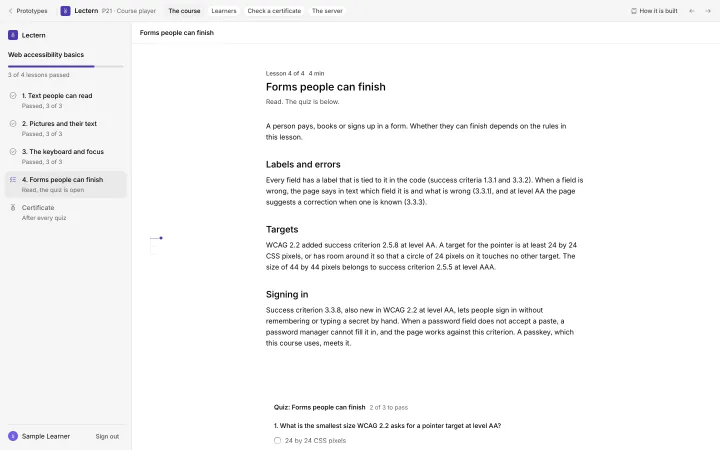
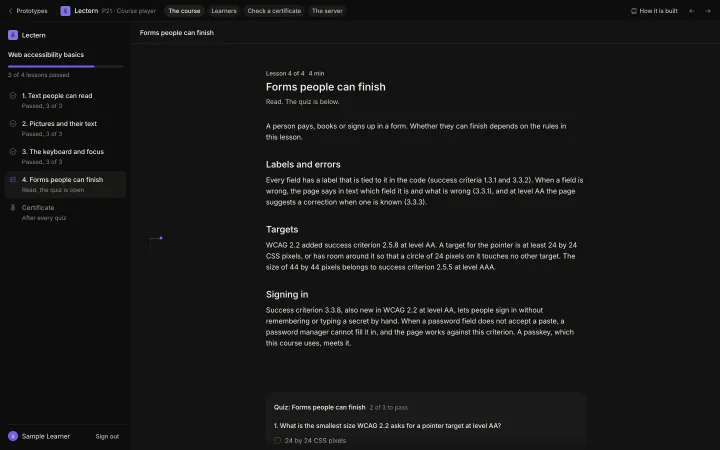 Online3 of 5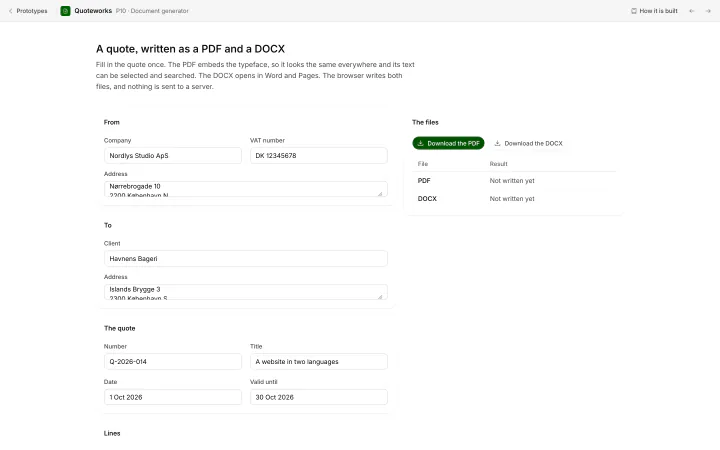
 Online4 of 5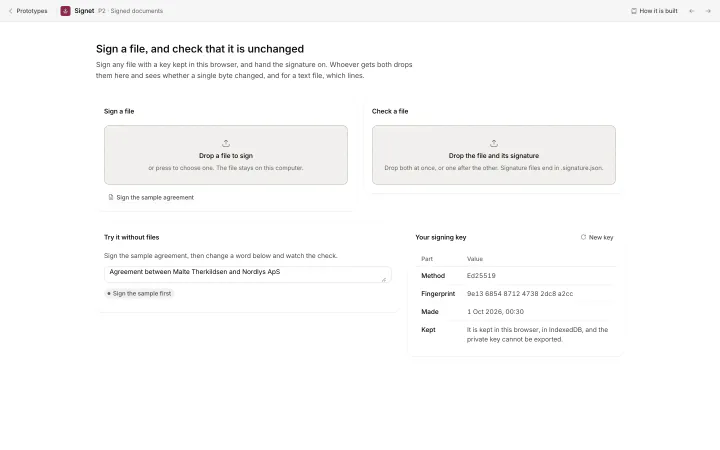
 Online5 of 5
Nothing matches. The search looks at names, kinds and descriptions.
Every component of the portfolio
The navbars, heroes, features, lists, instruments, footers and forms of the portfolio, each running from its own code in its own frame. The older library keeps buttons, calls to action, doors, navigation and type, each on a page with its source.
10 pieces at full size
4 technologies behind the pieces
Each piece uses the browser technology that suits it. Simulations run as WebGPU compute shaders, print effects as fragment shaders, type in HTML with variable fonts, and diagrams on Canvas 2D and SVG.